
Vending machines
Choose a product, pay at the terminal and collect the purchase.
Amount from the machine controller; payment results and dispensing errors.The software behind payment infrastructure.
Payment acceptance built around your business.
Building and developing digital products.
Hosting and supporting your IT systems.
From computer vision to predictive analytics.
Data and technology for urban environments.
The terminal, JoinPOS and JoinPROTO connect payment with your equipment. For vending, coffee, petrol stations and donations.
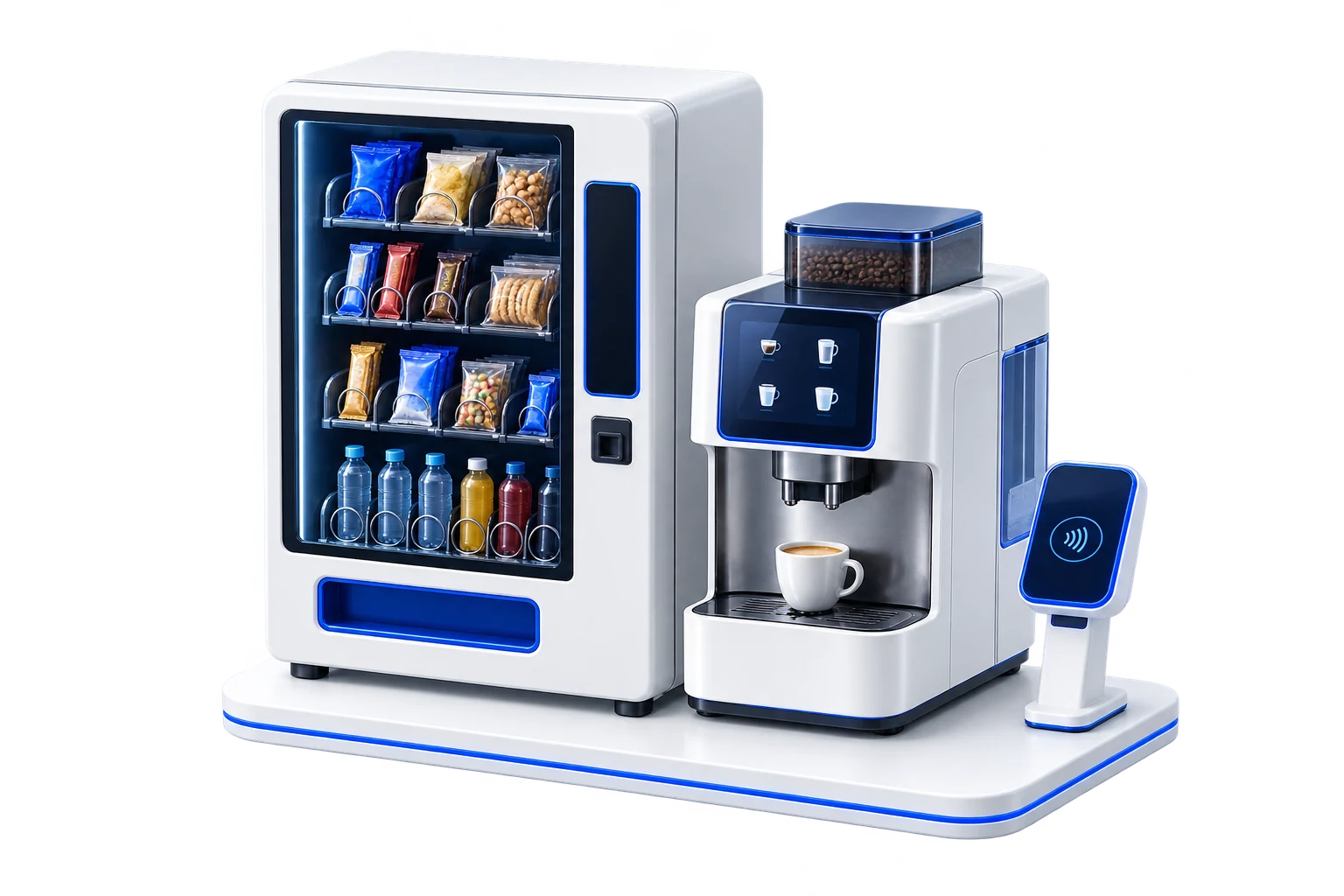
We integrate payments into new machines or propose upgrades for existing equipment.
Choose a product, pay at the terminal and collect the purchase.
Amount from the machine controller; payment results and dispensing errors.Coffee to go. Payment beside the coffee machine.
Compact installation linking the drink, amount and payment confirmation.Refuel without visiting a cashier.
JoinPUMP connects payment with fuel dispensing.Petrol station paymentsSupport a cause with a tap.
Choose an amount and pay cashlessly at a dedicated terminal.We select hardware and software, configure integration and support the payment part of your project.
One software foundation for devices from different brands. A consistent approach to payment functions as your terminal fleet grows.
The POS protocol sends commands to the terminal and returns transaction results for further order processing.
Statuses, reversals and refunds are aligned with your equipment logic. Available operations depend on the terminal, bank and project configuration. JoinTMS management is connected within the agreed environment.
Before delivery we check the design, mounting and machine compatibility. Outdoor and petrol station installations require consideration of operating conditions.

Flexible placement in the payment area
Explore the model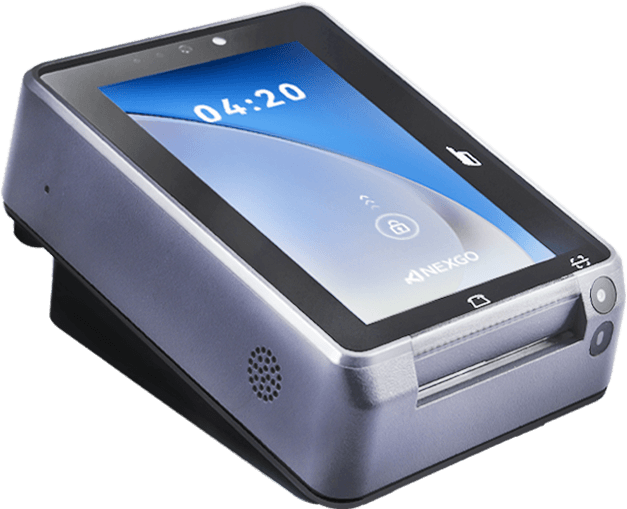
MDB · RS232 · LAN
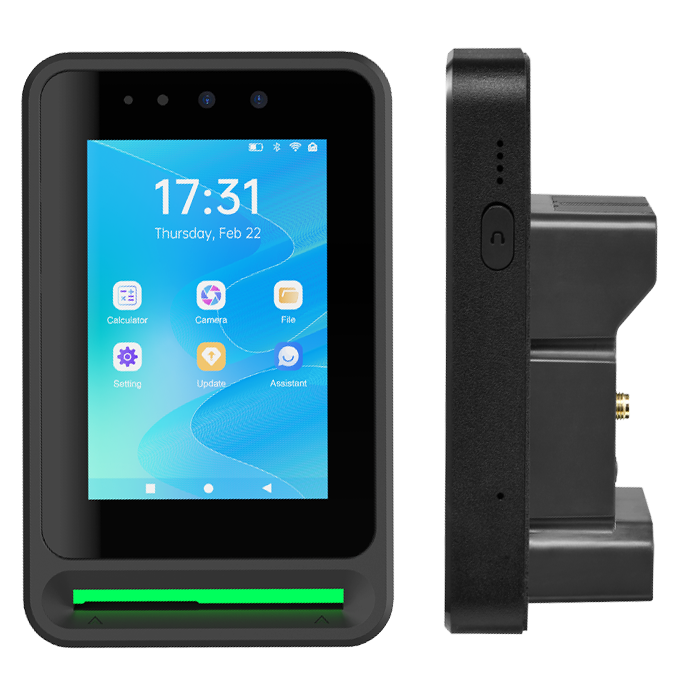
MDB · RS232 · LAN
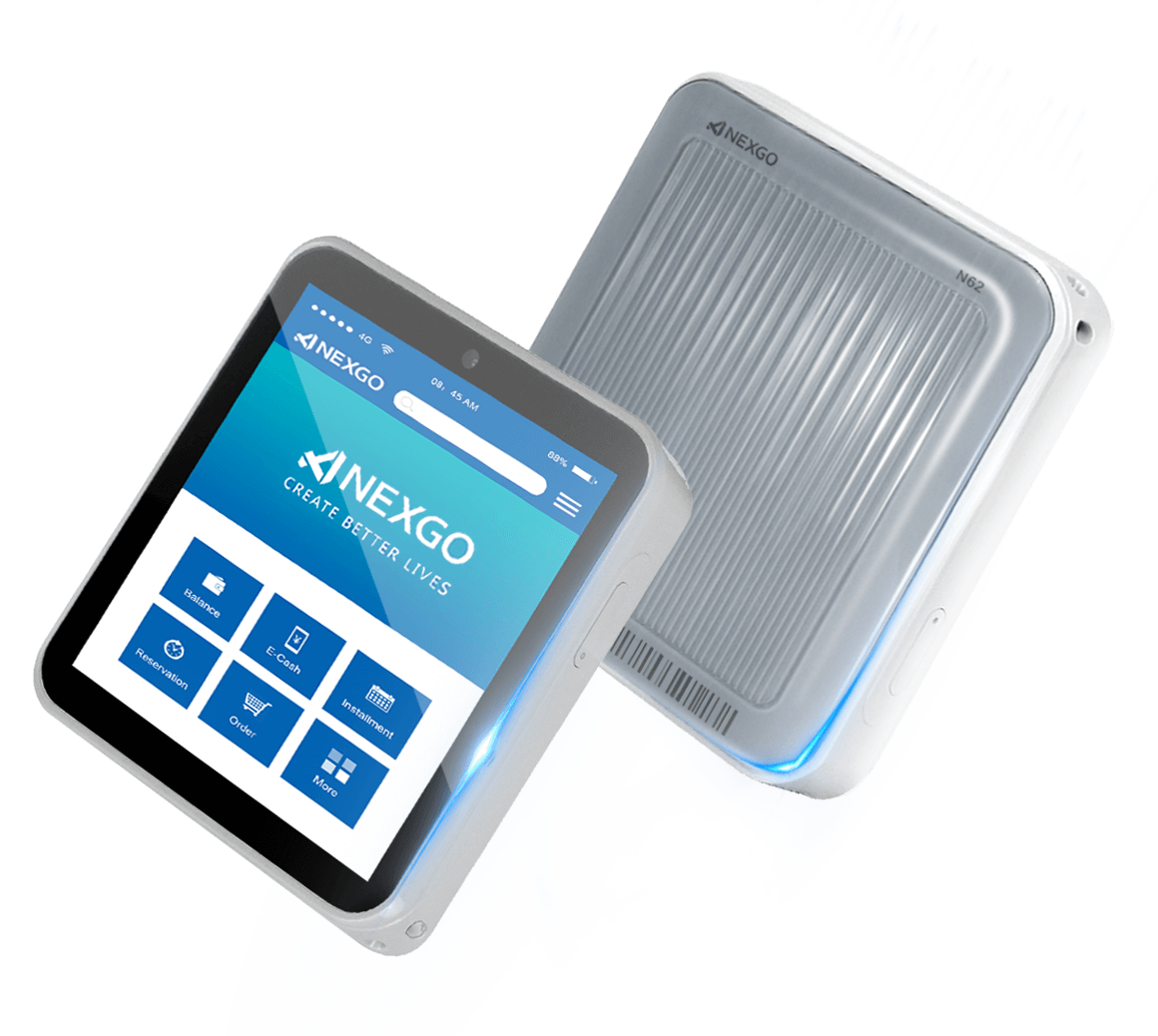
Terminal shown without a mounting frame
Bank cards, SBP and other methods in one software solution. The selection for each site is agreed for its terminal, bank and configuration.
Fuel cards additionally available for petrol stationsWe work with multiple fiscalisation providers and fiscal data operators. We select a connection setup for your equipment and sales workflow.
Merchant dashboard · JoinPAY
How much did the network earn? What happened to a payment on a specific terminal? JoinPAY brings revenue, transactions and team management into one dashboard.
Revenue across periods, average transaction and payment methods on one screen.
Illustrative JoinPAY interface. All data is fictional.View revenue for a day, week, month or selected period. Assess trends and location performance.
Review transactions for each terminal. Filter by date, status, device and other parameters, then export to Excel.
Create employee accounts for dashboard access. Maintain your team list and review employee details in one section.
Generate revenue reports for different periods. Manage product catalogues, categories and location assortments.
From one machine to a network of sites: a payment solution with everyday business tools.
Discuss connectionEquipment, installation conditions, connection method and payment workflow.
Terminal, mount, bank, software settings and POS integration.
Payment, product dispensing, reversal and refund. Test connectivity failures.
Deploy the verified configuration to new locations and support the project.
Yes. We first check its controller, interfaces, available space and dispensing logic, then propose a suitable upgrade.
We align payment results, statuses, reversals and refunds with your equipment logic and verify the scenario during the pilot.
JoinPOS handles payment functions on the terminal. JoinPROTO connects the terminal to your POS or control system.
The terminal model, mounting, number of sites, bank, fiscalisation and integration scope. We discuss these after reviewing your equipment.
Tell us what your machine sells and what equipment is installed. We will select a terminal and define the integration scope.
Loading the contact form…