
Receiving and dispatch
Send product codes to warehouse accounting as items pass the control point.
The software behind payment infrastructure.
Payment acceptance built around your business.
Building and developing digital products.
Hosting and supporting your IT systems.
From computer vision to predictive analytics.
Data and technology for urban environments.
Automatic QR and Data Matrix recognition in video streams. Connect marking checks with product accounting in manufacturing, warehousing and logistics.
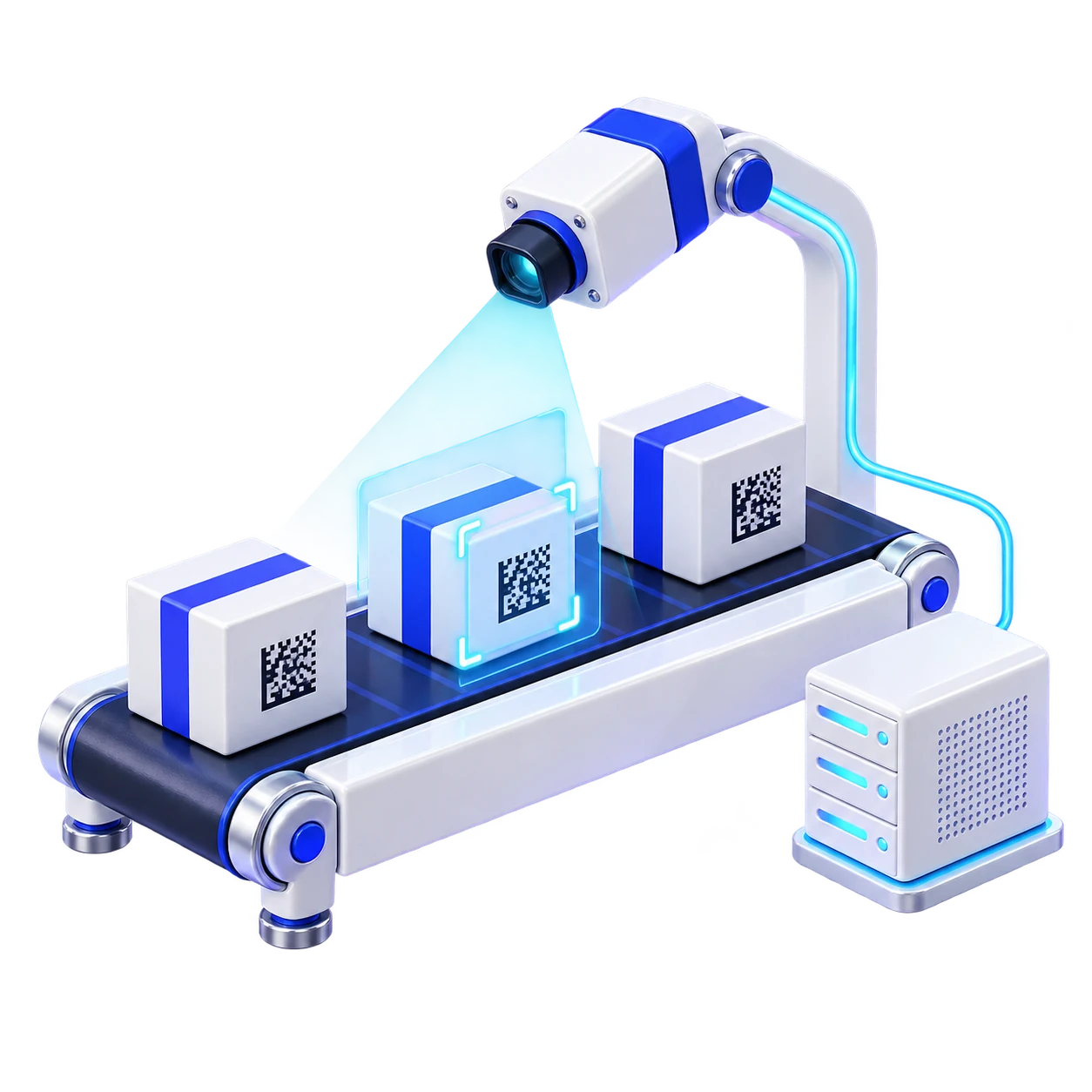
ScanVision reads two-dimensional codes from images for use by enterprise systems. We configure the control point for your line, equipment and accounting process.
Send product codes to warehouse accounting as items pass the control point.
Recognise codes on a production line and connect them to system operations.
Use the identifier, time and control point for further product movement tracking.
The service connects video sources to enterprise information systems. Select a stage to explore its role.
Connect the video source and configure the image region where marked objects appear.
The service processes frames, prepares images and decodes QR and Data Matrix codes.
Recognition results are published through Redis Pub/Sub. Consuming systems use them in accounting and production workflows.
Configure image processing for your materials and capture conditions. Challenging cases form part of pilot validation.
Image geometry correction for codes positioned at an angle.
Image preparation for low contrast and blurred printing.
Recognition testing on folds, deformed labels and curved surfaces.
Select the region of interest, scale and processing parameters for each camera.
Send results to ERP, WMS, MES, 1C or a custom service. Multiple consumers can receive events from one control point.
The software runs as a local service. A container simplifies environment preparation, while Linux tools manage the service.
Test typical objects and difficult cases. We need capture conditions, code samples and the intended use of results.
Before testing, agree what counts as successful recognition and the performance your process needs.
Two stages of a QR video recognition project from the MST portfolio.
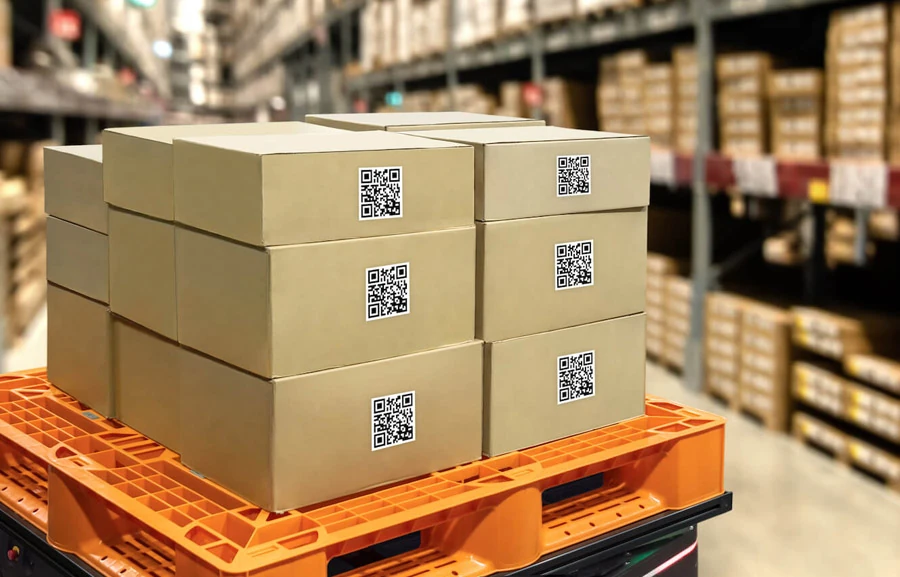
An application for automatically reading codes from a video stream.
Read the project
Image processing and decoding improvements for a production workflow.
Read the projectPublic documents from the product page. Deployment terms and current scope are confirmed for each project.
Solution scope and pricing depend on configuration and are calculated individually.
Discuss the task and requirements. Sign an NDA if needed.
Review initial conditions, agree a pilot and project plan.
Record scope, terms, timing and responsibilities in the contract.
Configure the service and integration, then verify agreed workflows.
USB and industrial cameras supported by Linux, IP cameras over RTSP or HTTP, and video files. Specific source compatibility is checked during solution preparation.
Yes. Each control point runs a separate service instance with its own configuration and camera identifier. Resources are selected for the total workload.
Image preparation settings help with tilt, blurred printing, creases and curves. Acceptable defects and recognition quality are tested on your samples.
Through Redis Pub/Sub. Consumers subscribe to a camera channel and receive events. Connection, processing rules and accounting system storage are agreed during integration.
The documented base requirements do not specify a GPU. CPU, memory and service instance counts depend on video sources and test results.
Yes. ScanVision runs on Linux x86-64 in a Docker container, uses Redis for events and is managed as a system service.
Tell us about your production line or control point. We will prepare a recognition and accounting system integration test plan.
Loading the contact form…